
Early access preview · Android 10 or newer
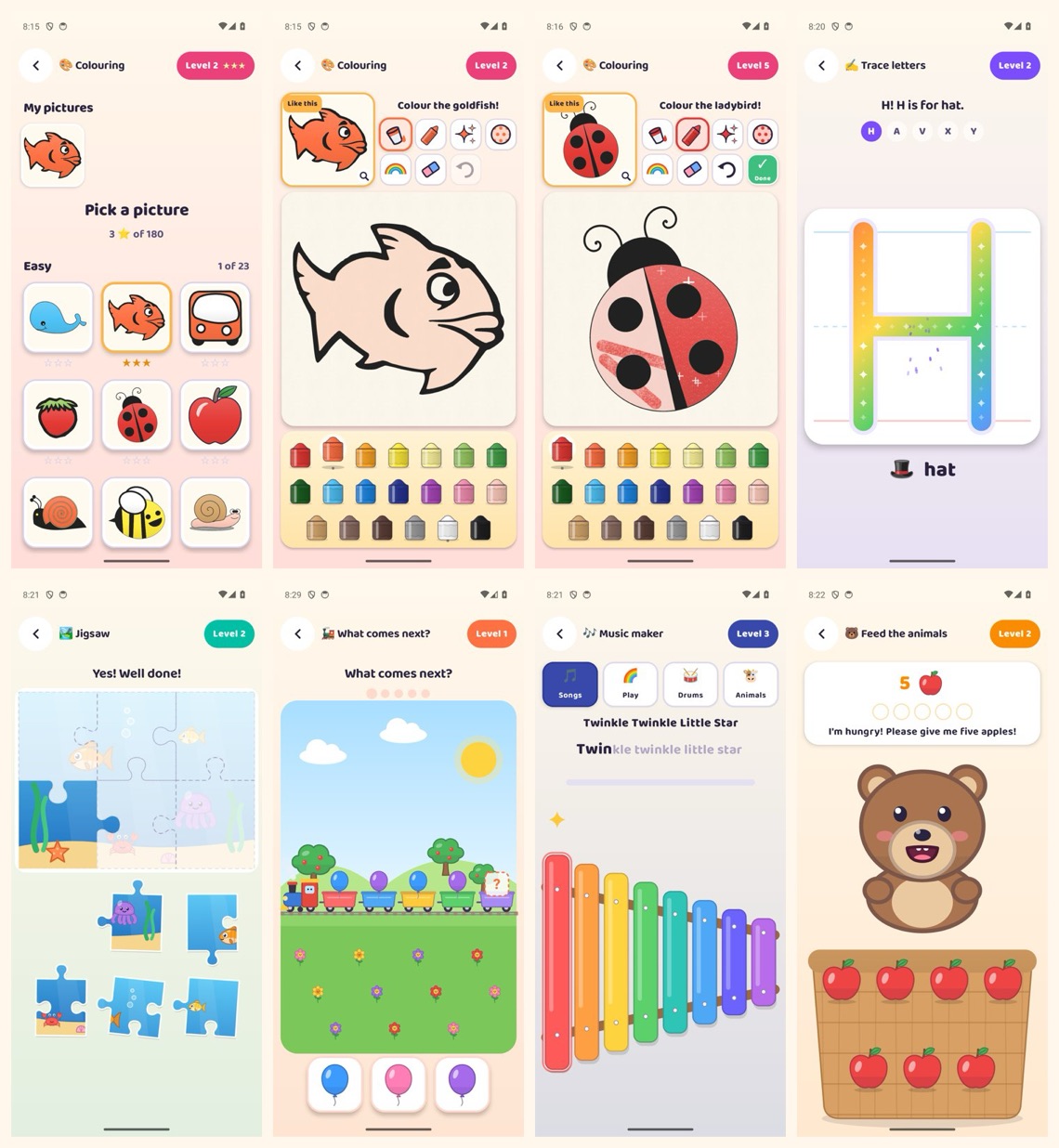
Try KiidsTube on your Android phone.
KiidsTube is not on Play Store yet. You can install the preview build from here and set it up as a parent in a few minutes.
This is a preview build: things may change or break between versions. When a new preview is out, the Grown-ups area offers a download.
How to install
Four steps, about five minutes.
- 1Open this page on your Android phone or tablet
Android 10 or newer.
- 2Download the preview
Tap "Download the preview". Your browser may say the file could be harmful, because the app is not from Play Store; choose to download it anyway only if you are happy to try a preview build.
- 3Allow the install
Open the downloaded file. Android asks you to allow installs from this source (your browser). Allow it, then install.
- 4Set it up as a grown-up
Create your parent account with your email and a password, set a 4-digit PIN, and add your children.
On a computer? Open this page on the phone instead, or type kiidstube.divyarshiai.com/download/latest into the phone's browser. Rather see it first? Book a demo.
Your child's data
What leaves the phone, and what doesn't.
- Only the parent's email and password leave the phone, to create and sign in to the account. Children never sign in.
- Your child's name, age, PIN, settings, game progress and pictures stay on the phone.
- Viewing counts for the videos we picked are anonymous: the video, the seconds watched and an age group, with no name, account or device.
- No ads from KiidsTube, and no analytics or tracking tools.
- Delete the account at any time in the app: Grown-ups, then Delete account.
The full KiidsTube privacy policy has the details. Questions? Write to info@divyarshiai.com.
Questions parents ask
Is it on Play Store?
Not yet. KiidsTube is an early access preview that you install from our website. It runs on Android phones and tablets with Android 10 or newer. There is no iPhone version.
Who picks the videos?
Our team picks and reviews children's channels, and every video is checked before it can appear. Parents can also add their own videos, channels or playlists behind the PIN, or choose to show only what they add.
Can my child wander off to other videos?
The player closes when a video ends, before suggested videos appear, and links out of the app are blocked.
Are there ads?
No ads from KiidsTube. The video service may show its own ads in some videos, which KiidsTube cannot remove.
What does it know about my child?
Nothing that leaves the phone: your child's name, age, PIN, progress and pictures stay on it. Only the parent's email and password leave the phone, and viewing counts are anonymous, by age group only. You can delete the account in the app.
Which languages?
The app is in English, and its instructions are read out in English. Videos can be chosen in 13 languages, including Hindi, Odia, Bengali and Tamil.
Does it work on a TV?
Yes, by mirroring your phone's screen to the TV. The app shows how.